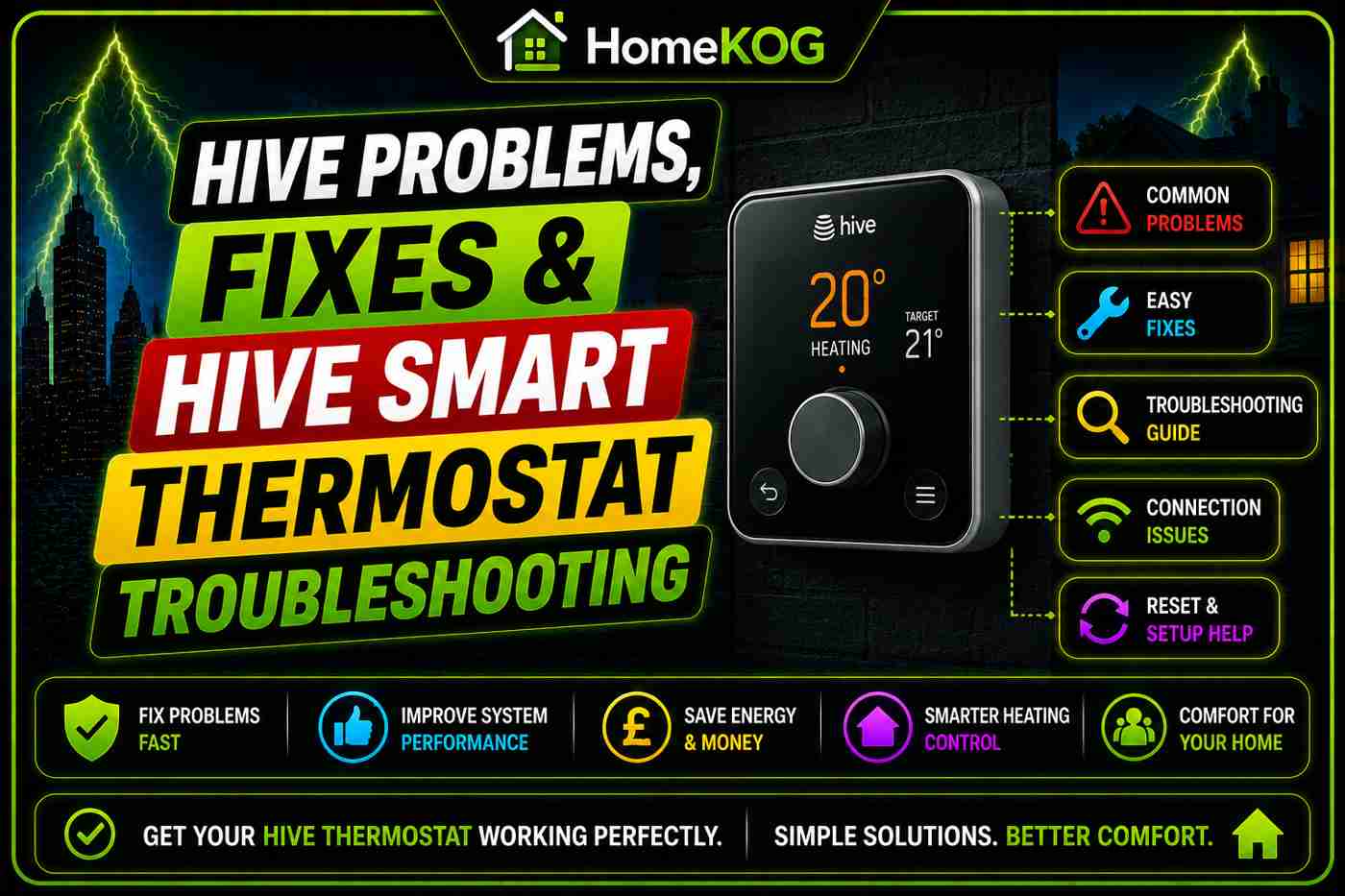

he Hive Active Heating system is one of the most widely used smart thermostats in the UK. Scheduled programming, remote app control, and geolocation make it a capable smart heating solution — but like any connected device, it occasionally develops problems that prevent it from working as expected.
This guide covers every common Hive thermostat problem, how to fix it, and when to call for help.
Most Common Hive Thermostat Problems
Most issues fall into one of five categories:
-
Connectivity — thermostat offline in app or not responding
-
Battery issues — low or incorrect batteries causing erratic behaviour
-
Hub and receiver communication — thermostat and boiler receiver lose pairing
-
Display and temperature reading inaccuracies
-
Scheduling errors — heating not coming on or off at the right time
Hive Thermostat Not Connecting to WiFi
Check the Basics
-
Confirm home WiFi is working on another device
-
Check the Hive hub — a solid green light confirms normal operation
-
Update the Hive app to the latest version
-
Restart your router if other devices are also affected
Reposition the Hub
Hub placement is a common overlooked cause of connectivity problems. Hive’s guidance specifies:
-
Place at mid-level height — on a shelf or table, not the floor or in a cupboard
-
Keep at least 50cm away from your broadband router to reduce signal interference
-
Avoid positioning near large electronics or behind thick walls
-
Position centrally in the home for the best coverage across all connected devices
Restart the Hub
Unplug the power supply, wait 30 seconds, and reconnect. Allow two minutes for full reconnection before checking the app.
Hub and Receiver Communication Problems
If the thermostat display shows “No RF” or heating isn’t responding despite the app appearing normal, the hub and receiver have lost their pairing.
Re-Pair the Receiver and Thermostat
-
Open the Hive app → Install Devices → Add Another Device → Go
-
On the boiler receiver, press and hold the central heating button until the status light shows double amber
-
On the thermostat, hold the back arrow and menu buttons simultaneously until the display reads “Welcome, searching”
-
Wait for the thermostat to locate and pair with the hub
If re-pairing fails, remove the thermostat batteries, wait 30 seconds, reinsert them, and repeat from step one.
Can Hive Thermostat Issues Affect Heating in My Radiators?
Hive thermostat issues can significantly impact the efficiency of your heating system. When the thermostat fails to communicate effectively, it may lead to uneven heating or cold spots. This can complicate diagnosing radiator heating problems in homes, making professional assessment essential for optimal comfort and efficiency.
Battery Problems
Correct Battery Type by Hive Model
Using the wrong battery type or rechargeable batteries causes display and connectivity issues. Do not use rechargeable batteries — they don’t provide sufficient voltage:
-
Hive Wireless Thermostat: 4x AA alkaline batteries
-
Hive Thermostat Mini: 4x AAA alkaline batteries
-
Hive Wired Thermostat: 3x AA alkaline batteries
Replacing Hive Batteries
-
Remove the thermostat from its wall backplate
-
Open the battery compartment on the rear
-
Replace with fresh alkaline batteries
-
Reattach to the backplate until it clicks
Replace batteries as soon as the low battery indicator appears — don’t wait for the thermostat to stop working entirely.
Hive Display and Temperature Reading Problems
Inaccurate temperature readings are almost always caused by poor thermostat placement.
Correct Placement
-
Mount at 1.5 metres above the floor on an interior wall
-
Keep away from radiators, direct sunlight, draughts, and external walls
-
Place in the room you use most
-
Do not fit Hive Radiator Valves in the same room as the main thermostat — this causes the two devices to conflict
If repositioning doesn’t resolve it, remove the batteries for 30 seconds and reinsert — this performs a soft reset without clearing your settings.
Scheduling Problems
If heating comes on at the wrong times or not at all, check the schedule in the app before assuming a fault.
Adjust Your Heating Schedule
-
Open the Hive app → select your heating device → Schedule
-
Set up to six time slots per day with target temperatures
-
Save changes
Adjust Your Hot Water Schedule
-
Open the Hive app → Hot Water → Schedule
-
Customise individual days with up to six time slots each
-
Save changes
If schedules are consistently off by an hour, check the hub timezone setting in the app — this can reset after a power cut.
Hive Isn’t lowering Your Bills?
Hive does not learn your schedule automatically — it uses the programmes you set manually. Unlike Google Nest, there is no auto-schedule feature. To get the most from it:
-
Programme accurately — set schedules that match your actual routine
-
Use geolocation — enable the Hive app’s geofencing feature, which detects when you leave or return home and adjusts heating accordingly, avoiding waste when the house is empty
-
Set a temperature setback — programme 16°C when the property is empty rather than switching heating off entirely; this reduces reheat time and energy consumption
-
Add Hive Radiator Valves — allows individual room temperature control via the app; existing TRV fittings are required on radiators before installation, and valves should not be fitted in the same room as the main thermostat
-
Lower the target by 1°C — a single degree reduction typically cuts heating energy use by around 10%
Incompatible Boilers & Limitations of Hive
Hive Active Heating works with most UK gas and LPG boilers — combi, system, and conventional — but there are exceptions worth checking before purchasing:
Incompatible systems:
-
Solid fuel boilers (biomass, coal)
-
Several specific Worcester Bosch models that only accept Worcester’s own TR2 thermostat (check GC numbers on Hive’s compatibility page)
OpenTherm limitation: Hive does not support OpenTherm, the modulating protocol used by many modern boilers from Viessmann, Worcester Bosch, and Ideal. OpenTherm allows the boiler to modulate its output based on demand rather than simple on/off switching, which improves efficiency. If your boiler supports OpenTherm and you want to use that functionality, Nest, Tado, or Honeywell T6R are better options.
Use Hive’s online compatibility checker or confirm with a Gas Safe registered engineer before installation.
Alternatives to Hive
The right choice depends on your priorities. Hive remains one of the most straightforward and well-supported smart thermostats in the UK. If automatic learning or OpenTherm compatibility matters to you, Nest or Tado are the stronger alternatives.
When to Contact Hive Support or a Heating Engineer
Contact Hive support if the thermostat won’t pair after following the full re-pairing process, the hub shows a persistent error, or devices remain offline despite all troubleshooting. Hive support is available via webchat on the Hive website and through the app.
Contact a Gas Safe registered engineer if the boiler isn’t responding to the receiver despite confirmed Hive pairing, you suspect a wiring issue between the receiver and boiler, or Hive is being installed alongside a new boiler.
What Should I Do if I Encounter a Viessmann F2 Fault While Using a Hive Smart Thermostat?
If you encounter a Viessmann F2 fault while using a Hive smart thermostat, it’s essential to address the issue promptly. Start by checking your boiler’s manual for specific guidance. Utilize viessmann f2 fault code troubleshooting tips that focus on ensuring proper pressure levels and examining electrical connections for any faults.
FAQs
Why is my Hive thermostat not connecting?
Check home WiFi, battery levels, and hub placement first. If those are all fine, attempt a full re-pair using Install Devices in the Hive app.
What batteries does a Hive thermostat use?
The standard Hive Wireless Thermostat uses 4x AA alkaline batteries. The Mini uses 4x AAA. The Wired Thermostat uses 3x AA. Do not use rechargeable batteries.
Why does my Hive keep losing connection?
Usually caused by the hub being too close to the router, in a cupboard, or on the floor. Reposition it at mid-level height, at least 50cm from the router, and away from large electronics.
Does Hive learn my heating preferences automatically?
No. Hive uses manually programmed schedules. Automatic learning is a feature of Google Nest, not Hive.
Is Hive compatible with all boilers?
Hive works with most UK gas and LPG boilers but is incompatible with solid fuel boilers and certain Worcester Bosch models. It also does not support OpenTherm. Check Hive’s compatibility page before purchasing.
Can I control individual room temperatures with Hive?
Yes, by adding Hive Radiator Valves to existing TRV fittings. Do not fit them in the same room as the main Hive thermostat — this causes a conflict between the two devices.
How do I re-pair my Hive thermostat?
Use Install Devices in the Hive app to put the hub into pairing mode. Hold the central heating button on the receiver until double amber flashes. Hold the back arrow and menu buttons on the thermostat until it shows “Welcome, searching.”