
How to Reset a Worcester Bosch Boiler: Step-by-Step Guide for Every Model
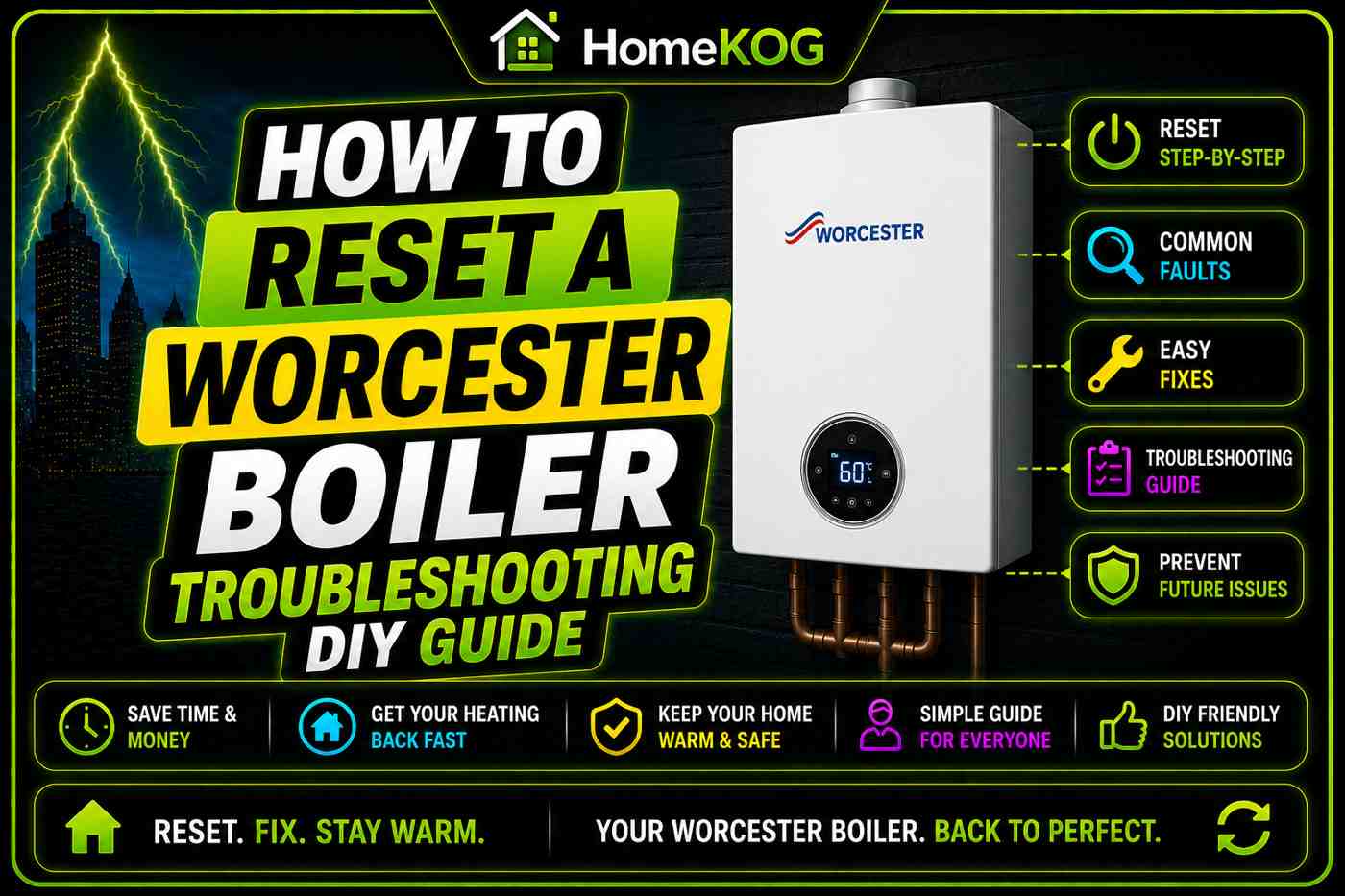
Quick Answer: To reset most Worcester Bosch boilers, press and hold the reset button on the control panel for 3 to 5 seconds. On models without a dedicated reset button, turn the temperature dial to the reset position and hold for the same duration. If the fault code reappears after resetting, the underlying problem has not been resolved and a Gas Safe registered engineer should be called.
Knowing how to reset a Worcester Bosch boiler is one of the most useful things a homeowner can learn. A lockout or fault code does not always mean a serious problem — sometimes a simple reset is all it takes to get heating and hot water running again.
That said, a reset is only a starting point. If the boiler locks out again shortly after, the cause needs to be properly diagnosed and repaired. This guide covers the reset procedure for every Worcester Bosch Greenstar model, explains the most common fault codes, and tells you clearly when a Gas Safe engineer needs to be involved.
Key Facts: Worcester Bosch Boiler Reset Relationships
- A boiler reset is a process that clears an active fault code and instructs the boiler’s PCB to attempt a fresh start, restoring normal operation if the underlying fault has been resolved.
- A boiler lockout is a safety shutdown triggered by the PCB when the Worcester Bosch boiler detects a fault it cannot safely continue operating through, indicated by a flashing blue light on the control panel.
- A PCB (printed circuit board) is the electronic control unit within a Worcester Bosch boiler that monitors all system functions and triggers a lockout when a fault is detected.
- The EA fault code on a Worcester Bosch boiler indicates flame loss or a gas supply problem and is the most common error code requiring a reset attempt.
- The E9 fault code on a Worcester Bosch boiler signals potential damage to the main heat exchanger and requires immediate professional attention.
- The D1 fault code on a Worcester Bosch boiler indicates excessive heat or a damaged sensor and should always be referred to a Gas Safe engineer without delay.
- The C1 fault code on a Worcester Bosch boiler indicates a damaged or failed fan and requires professional repair before the boiler can safely restart.
- The A1 fault code on a Worcester Bosch boiler indicates that the system has run out of water and the boiler should be repressurised before a reset is attempted.
- A blue flashing light on a Worcester Bosch boiler is the visual indicator that a fault has been detected and the boiler has entered lockout mode, always accompanied by a fault code on the display.
- A Gas Safe registered engineer is the only qualified professional legally permitted to diagnose and repair internal Worcester Bosch boiler faults in the UK.
- An annual boiler service is the maintenance visit required to keep a Worcester Bosch manufacturer warranty valid and is the most effective way to prevent repeated lockouts.
- The filling loop is the device used to repressurise a Worcester Bosch boiler when the A1 fault code or low pressure is identified as the cause of a lockout.

When Should You Reset a Worcester Bosch Boiler?
A reset is the right first step when your Worcester Bosch boiler has stopped working and a fault code or blue flashing light has appeared on the display. Modern boilers are designed to shut themselves down as a safety measure when they detect something is wrong, and a reset clears that shutdown and asks the boiler to try again.
In some cases — particularly after a power cut, a brief interruption to the gas supply, or a one-off spike in system pressure — the reset will clear the code and the boiler will return to normal operation without any further action needed.
However, a reset is not a repair. If the underlying cause of the lockout has not been addressed, the boiler will simply detect the same fault again and shut down a second time. Checking the fault code before resetting and understanding what it means will tell you whether it is safe and sensible to attempt a reset yourself or whether an engineer needs to be involved first.
Worcester Bosch Fault Codes: What They Mean and What to Do
Before attempting a reset, check the display panel for a fault code. The table below covers the most common codes found on Worcester Bosch Greenstar boilers and the appropriate action for each.
| Fault Code | Meaning | Can You Reset It Yourself? |
|---|---|---|
| EA | Flame loss or gas supply problem | Only if cause is identified and resolved |
| A1 | System empty of water / low pressure | Yes — repressurise first, then reset |
| D1 | Excessive heat or damaged sensor | No — call a Gas Safe engineer immediately |
| E9 | Possible heat exchanger damage | No — call a Gas Safe engineer immediately |
| C1 | Damaged or failed fan | No — call a Gas Safe engineer immediately |
| 207 | Low boiler water pressure | Yes — repressurise first, then reset |
| D5 | Blocked or frozen condensate pipe | Yes — clear the pipe first, then reset |
| C6 | Fan fault | No — call a Gas Safe engineer |
| 232 | General system fault (Worcester 4000) | Attempt reset — call engineer if it reappears |
For the A1 fault code specifically, the boiler is indicating that water pressure has dropped too low for safe operation. Before resetting, check the pressure gauge on the front of the boiler. If it reads below 1 bar, repressurise the system using the filling loop until the gauge reaches 1 bar, then proceed with the reset. The boiler will not restart successfully until adequate pressure is restored.
For the D1 and E9 codes, do not attempt to reset the boiler. Both codes indicate potentially serious component damage that requires immediate professional assessment. Continuing to reset a boiler displaying these codes risks worsening the damage and increasing repair costs.
How to Reset a Worcester Bosch Boiler: Step-by-Step by Model
The reset process varies slightly between Worcester Bosch Greenstar models. Find your model below and follow the instructions for your specific unit. If you are unsure which model you have, check the label on the front of the boiler casing or refer to your user manual.
Worcester Greenstar 4000
The Worcester 4000 displays fault information on a digital screen with an icon in the top right corner. The colour of the icon indicates the severity of the fault, and the fault code itself — such as 232 — is shown as text on the display screen.
To reset the boiler, press the up and down arrow buttons on the control panel alternately until the word “Reset” appears on the screen. Confirm the reset selection and the boiler will restart at the current temperature setting. If the fault clears and the boiler fires successfully, monitor it over the following period to confirm normal operation is restored. After resetting ideal logic combi 30 boiler, it is essential to check all connection points for any signs of leaks or irregularities. Regular maintenance can help prevent future issues, ensuring the system operates efficiently throughout the heating season. If further problems arise, consulting a professional technician may be necessary for a thorough inspection.
Worcester Greenstar Si and CDi Compact
On the Greenstar Si and CDi Compact models, the reset process is straightforward. Press the dedicated “Reset” button on the control panel. A tick symbol will briefly appear on the display to confirm that the reset command has been received.
If the reset is successful, the boiler will return to normal operation and begin firing. If the reset fails, the original fault code will reappear on the display and the blue light will continue to flash, indicating that the underlying fault has not been resolved.
Worcester Greenstar CDi
On the Greenstar CDi, press and hold the reset button — labelled as button 2 in the user manual — for a minimum of three seconds. Both the blue flashing light and the fault indicator light will stop during the reset process.
If the reset is successful, the boiler will fire up and return to normal heating operation. If it fails, the fault code will reappear on the display and the blue flashing light will resume.
Worcester Greenstar i
The Greenstar i reset follows the same basic principle as the CDi Compact. Press the reset button once. A tick symbol will briefly appear on the display to confirm the command has been registered.
If the reset succeeds, the boiler returns to normal operation. If it fails, the fault code reappears and the blue operation and fault light continues to flash. At this point, call a Gas Safe engineer rather than attempting further resets.
Worcester Greenstar Ri
The Greenstar Ri uses a temperature dial rather than a dedicated reset button. When a fault is present, the blue mains light will flash to indicate a lockout.
To reset, turn the central heating temperature knob clockwise until it reaches the position marked “RESET”. Hold it in that position for approximately five seconds, then release and allow the dial to return to the original temperature setting. The mains indicator light will stop flashing if the reset has been successful, and the boiler will resume normal operation in line with the room thermostat and programme settings. Viessmann boiler troubleshooting methods can be applied if you encounter issues after the reset. Common problems might include an error code on the display or inconsistent heating. In such cases, consult the user manual for guidance on diagnosing and resolving these issues effectively.
If the electrical power to the boiler is interrupted and then restored, the Ri may display a fault condition that requires repeating this reset process.
Worcester Greenstar i Junior
On the Greenstar i Junior, the reset button flashes once per second for each fault present, with the blue mains indicator flashing in unison. To reset the boiler, press and hold the reset button for approximately five seconds. Once the reset is complete, the reset button light will extinguish and the main indicator will stop flashing.
If the fault persists after resetting, the blue light and reset button will resume flashing. At this point, note the fault code displayed and contact a Gas Safe engineer, providing both the fault code and the boiler model details to help them prepare for the call-out.
Using the On/Off Switch
On any Worcester Bosch model where the reset button cannot be located, switching the boiler off at the main power switch and leaving it off for at least 30 seconds before switching it back on can sometimes clear a minor fault. This is a last resort rather than a primary approach, and it should only be used when no fault code requiring professional attention is displayed.
Step-by-Step Summary: How to Reset Any Worcester Bosch Boiler
The following steps apply broadly across the Worcester Bosch Greenstar range. Refer to the model-specific instructions above for precise button locations.
First, identify the fault code displayed on the boiler’s control panel and check what it means using the fault code table earlier in this guide. If the code indicates a serious fault such as D1, E9, or C1, stop and call a Gas Safe engineer rather than proceeding with a reset.
Second, address any resolvable cause before resetting. If the code indicates low pressure, repressurise the system first. If the condensate pipe is frozen, thaw it before attempting the reset.
Third, locate the reset button or reset position on the temperature dial for your specific model. Press and hold for 3 to 5 seconds as directed, or follow the model-specific steps above.
Fourth, observe whether the boiler fires up successfully and the fault code clears. If it does, monitor the boiler over the following hours to confirm that normal operation is maintained.
Fifth, if the boiler locks out again after the reset, call a Gas Safe engineer. Do not continue to reset the boiler repeatedly without professional diagnosis — each lockout is the boiler telling you that something still requires attention.
Frequently Asked Questions
How do I reset my Worcester Bosch boiler?
The reset method depends on the specific Worcester Bosch Greenstar model you have. On most models, pressing and holding the dedicated reset button for 3 to 5 seconds will initiate the reset process. On the Greenstar Ri, the central heating temperature dial is turned clockwise to the reset position and held for five seconds. On the Worcester 4000, the up and down arrow keys are used to navigate to a reset option on the digital display. Always check the fault code before resetting and refer to your user manual if you are unsure of the button location for your model.
Why does my Worcester Bosch boiler keep locking out after I reset it?
If your Worcester Bosch boiler returns to lockout shortly after a reset, the underlying fault has not been resolved. A reset clears the active error state and asks the boiler to try again — it does not repair the component or condition that caused the lockout in the first place. Repeated lockouts after resetting are a clear signal that a Gas Safe registered engineer needs to inspect the boiler, identify the root cause, and carry out the appropriate repair.
What does the EA fault code mean on a Worcester Bosch boiler?
The EA fault code on a Worcester Bosch boiler indicates flame loss — the boiler has failed to establish or maintain its burner flame and has shut down as a safety measure. Common causes include a blocked flue, a frozen condensate pipe, a faulty ignition electrode, a failed flame sensor, or insufficient gas pressure reaching the boiler. A reset may clear the code if the cause was temporary, but if EA reappears, a Gas Safe engineer must diagnose the specific cause before the boiler is put back into service. When troubleshooting the Worcester boiler EA 227 fault code, it’s essential to systematically check each potential issue listed to prevent further complications. Regular maintenance and inspections can help identify these problems early, ensuring the boiler operates efficiently and safely. If you’re unsure, always consult a qualified technician to handle any repairs or assessments.
Is it safe to reset a Worcester Bosch boiler myself?
Resetting a Worcester Bosch boiler is safe in limited circumstances — specifically when the cause of the lockout is known and has already been addressed, such as after restoring system pressure or thawing a frozen condensate pipe. It is not safe to repeatedly reset a boiler without understanding what is causing the lockout, particularly if codes such as D1, E9, or C1 are displayed. These codes indicate potentially serious faults that require professional assessment before the boiler is restarted.
What should I do if the reset does not work on my Worcester Bosch boiler?
If the reset fails — indicated by the fault code reappearing and the blue light continuing to flash — the boiler has not been able to clear the fault on restart. Note the exact fault code shown on the display and call a Gas Safe registered engineer. Provide them with the fault code and the model name of your boiler so they can attend prepared with the appropriate tools and parts. Do not attempt further resets until the engineer has identified and repaired the underlying fault.
How do I reset a Worcester Greenstar 4000?
On the Worcester Greenstar 4000, the fault code is shown as text on the digital display — for example, the code 232. To reset the boiler, use the up and down arrow buttons on the control panel to scroll through the menu options until “Reset” appears on screen. Select reset and the boiler will restart at the current temperature setting. If the fault clears and the boiler fires normally, monitor it to confirm the reset has held. If the fault code reappears, call a Gas Safe engineer.
When should I consider replacing my Worcester Bosch boiler instead of resetting it?
If your Worcester Bosch boiler is more than ten years old and is locking out repeatedly, the cost of ongoing repairs may begin to approach the cost of a full replacement. Modern Worcester Bosch boilers are significantly more energy efficient than older Greenstar models and come with a full manufacturer warranty — typically between five and ten years — covering parts and labour. If a Gas Safe engineer advises that multiple components are showing wear or that a major component such as the heat exchanger needs replacing, getting quotes for a new installation is a sensible next step.
Does resetting a Worcester Bosch boiler affect the warranty?
Resetting the boiler yourself using the controls on the front panel does not affect the manufacturer warranty. However, attempting to open the boiler casing or carry out any internal inspection or repair without Gas Safe registration will invalidate the warranty. To keep the warranty valid throughout its term, the boiler must also be serviced annually by a Gas Safe registered engineer. Missing a service can void the warranty regardless of whether a reset has been performed.
Conclusion
Resetting a Worcester Bosch boiler is a straightforward process, and for many minor faults it is all that is needed to restore heating and hot water quickly. Understanding your specific model’s reset procedure and checking the fault code before you start puts you in control of the situation and avoids unnecessary call-out costs for faults you can resolve at home.
The reset process is useful — but it is not a substitute for proper diagnosis. If your Worcester Bosch boiler locks out repeatedly, if a serious fault code such as D1, E9, or C1 is displayed, or if you are at all uncertain about the cause of the lockout, calling a Gas Safe registered engineer is always the right decision.
Keeping the boiler serviced annually remains the most reliable way to reduce the frequency of lockouts, maintain the validity of the manufacturer warranty, and catch developing faults before they become a problem that a reset alone cannot solve. Understanding how a system boiler operates is essential for homeowners to ensure their heating system runs efficiently. Regular maintenance not only helps in prolonging the lifespan of the boiler but also optimizes energy consumption, leading to lower utility bills. Additionally, familiarizing oneself with the operational nuances can aid in identifying signs of malfunctions early on.